
Pinterest Image Downloader – Free Pinterest Download for Photos in HD
Download any Pinterest image in its original full size. Free, fast and no login.
Works with pinterest.com, pin.it and all Pinterest country domains
SaveClipz’s Pinterest image downloader is a simple Pinterest saver that lets you save any public Pinterest photo to your phone or computer in its original quality. Copy the pin link, paste it in the box above and press Download. In a few seconds you get the full-size picture, not the small blurry preview you see in the app.
Pinterest is one of the best places to find ideas. People save home designs, outfit ideas, recipes, wallpapers, drawings and quotes. But the pictures you see while scrolling are often shrunk to load fast. Our tool finds the original file that the creator uploaded, so you get the sharpest Pinterest image download possible.
Quick facts
- Price: 100% free
- Quality: original upload (often 1000px to 4000px wide)
- Formats: JPG, PNG or WebP, plus a 736px medium copy
- Works on: iPhone, Android, Windows, Mac and tablets
- Login needed: No
- Watermark added: No (a Pinterest download without watermark)
Table of Contents
- Pinterest Photo Downloader: Save Images in 3 Steps
- Pinterest Photo Download HD: Get the Original Quality
- Free Pinterest Downloader With No Hidden Costs
- Pinterest Download for Every Device
- What Pictures Can You Save?
- How SaveClipz Finds the Original Image
- JPG vs PNG vs WebP: Which Format Will You Get?
- Tips to Find Better Images on Pinterest
- Save Pinterest Images the Right Way
- Common Problems and Quick Fixes
- Pinterest Image Downloader: Frequently Asked Questions
- Save Your Favorite Pinterest Pictures Now
Pinterest Photo Downloader: Save Images in 3 Steps
Saving a Pinterest picture with SaveClipz is as easy as copying and pasting.
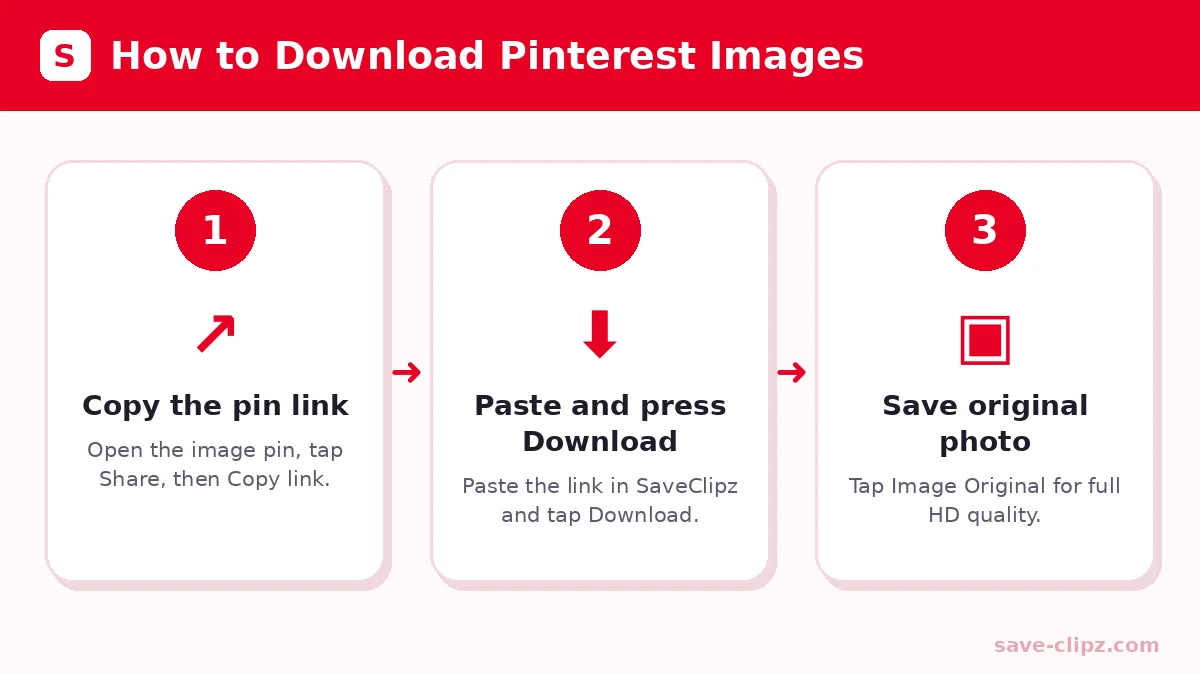
- Copy the pin link. Open the image pin in Pinterest. Tap Share and choose Copy link. On a computer, copy the address from the browser bar.
- Paste it here. Tap the Paste button above, or paste the link into the box. Then press Download.
- Save the picture. Tap Image Original to save the full-size file, or Medium 736px if you want a smaller file that loads fast.
Your browser saves the picture to the Downloads folder. On iPhone it goes to the Files app, where you can tap Share and choose Save Image to add it to Photos.
Pinterest Photo Download HD: Get the Original Quality
When you save a picture straight from the Pinterest app, you often get a compressed copy. A real Pinterest photo download HD keeps every detail. SaveClipz looks for the “originals” version of each image on Pinterest’s servers and gives it to you first.
Pinterest Photo Download HD 1080p and Bigger
Many pins are uploaded in 1080p or larger. When the creator uploaded a big file, you get that same size. If the creator uploaded a small picture, the original will also be small, because no tool can add details that were never there.
Pinterest Photo Download in 4K: Is It Possible?
Some photographers upload very large images, and those can be close to 4K size. SaveClipz always gives you the biggest file Pinterest has, so when a 4K original exists, you get it. Be careful of sites that promise “4K” for every pin. They usually just stretch a small picture, which makes it look worse, not better.
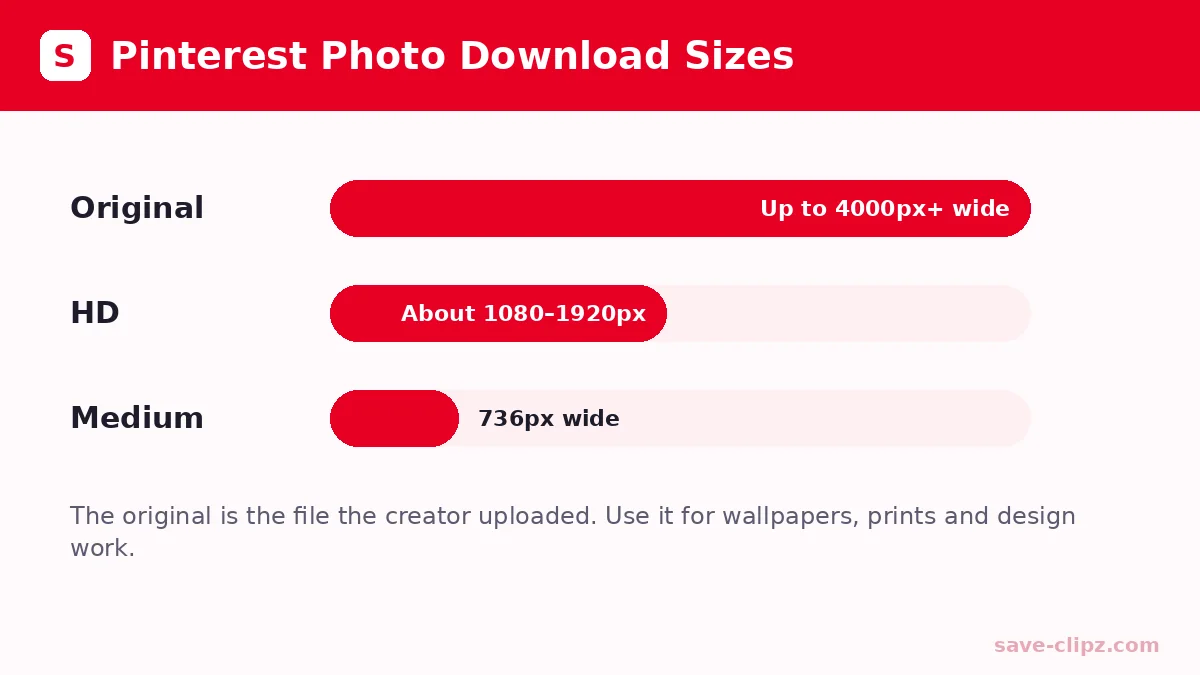
| Image size | Width in pixels | Good for |
|---|---|---|
| Medium (736x) | 736 px | Phone screens, quick sharing |
| HD | about 1080 to 1920 px | Wallpapers, presentations, printing small |
| Original large | up to 4000 px or more | Big prints, design work, zooming in |
Free Pinterest Downloader With No Hidden Costs
SaveClipz is a free Pinterest downloader for pictures, so you never pay for a Pinterest photo download. There are no coins, no premium plans and no sign-up walls. You can save as many pictures as you need for personal use. We only ask you to wait a minute if a very large number of links come from one device at the same time. This keeps the tool fast for everyone.
Pinterest Download for Every Device
Our Pinterest download tool runs inside your web browser, so it works the same on every device.
| Device | Browser | Where the image is saved |
|---|---|---|
| Android phone | Chrome, Samsung Internet, Firefox | Downloads folder and Gallery |
| iPhone / iPad | Safari, Chrome | Files app, then Photos |
| Windows PC | Chrome, Edge, Firefox | Downloads folder |
| Mac | Safari, Chrome | Downloads folder |
Pin Downloader Extension vs Online Tool
Some people look for a pin downloader Chrome extension. Extensions can be handy, but they only work on computers and many ask to “read and change all your data on websites”. An online tool like SaveClipz needs no permission at all. You just paste a link. That makes it the safer choice for most people.
Pinterest Wallpaper Download Made Easy
Wallpapers are the most popular pictures people save. For a sharp Pinterest wallpaper download, open a pin that is tall (for phones) or wide (for computers), then tap Image Original. Set it as your background from your Gallery or Photos app.
What Pictures Can You Save?
You can download foto Pinterest files of almost any kind, as long as the pin is public:
- Wallpapers for your phone or computer screen.
- Recipes and infographics with steps you want to keep.
- Home and room ideas to show your builder or painter.
- Outfit and hair ideas to bring to a shop or salon.
- Drawings and art references to practice sketching.
- Quotes and study notes for school or work.
If the pin is a video or GIF, SaveClipz also shows those buttons. You can then use our Pinterest Video Downloader or Pinterest GIF Downloader pages for more help.
How SaveClipz Finds the Original Image
Pinterest keeps several copies of every picture: a small one for the feed, a medium one for the pin page and the original file. When you paste a link, SaveClipz opens the public pin page, reads the picture’s ID and then checks Pinterest’s “originals” folder for the full-size file. It tests JPG, PNG and WebP versions and gives you the one that exists. This is why our Pinterest image downloader often gives you a much bigger file than a screenshot.
JPG vs PNG vs WebP: Which Format Will You Get?
| Format | What it is | Best for |
|---|---|---|
| JPG | The most common photo format, small file size | Photos, wallpapers, sharing |
| PNG | Keeps sharp edges and can have a clear background | Logos, drawings, text images |
| WebP | A newer format that keeps good quality in small files | Websites and fast loading |
You get the same format the creator uploaded. All modern phones and computers can open JPG, PNG and WebP files.
Tips to Find Better Images on Pinterest
- Search with clear words. Add words like “wallpaper 4K”, “high resolution” or “printable” to your Pinterest search.
- Open the pin first. The pin page shows the picture bigger, so you can judge the quality before you download.
- Check the source. Pins that link to a photographer’s or artist’s website often have bigger originals.
- Avoid screenshots of screenshots. Pins that look blurry on Pinterest will also be blurry when downloaded.
- Save the medium copy for phones. If you only need a quick reference, the 736px version saves space.
Save Pinterest Images the Right Way
When you download from Pinterest, remember that every picture on Pinterest belongs to the person who made it. Saving an image for your own ideas board or as a phone wallpaper is personal use. If you want to post it online, sell it or use it in an ad, ask the owner first and give credit. Pinterest explains this in its copyright policy. Pinterest also has its own guide on how to download an image from its app.
Common Problems and Quick Fixes
- Picture looks small: The creator uploaded a small file. Try another pin with the same idea.
- “Nothing found”: The pin may be private or deleted. Open the link in your browser to check.
- Image opens instead of saving: Long-press it on mobile, or right-click and choose Save image as on a computer.
- Wrong link: Use the link of one single pin, not a board or a profile.
Pinterest Image Downloader: Frequently Asked Questions
How do I download a Pinterest image in full size?
Copy the pin link, paste it into SaveClipz and tap “Image Original”. This saves the biggest version that Pinterest has.
Is this Pinterest image downloader free?
Yes. It is 100% free with no sign-up and no hidden fees.
Can I download Pinterest images in 4K?
Only if the creator uploaded a 4K image. SaveClipz always gives you the largest original size available.
Where are downloaded Pinterest photos saved?
On Android and computers in the Downloads folder. On iPhone in the Files app, from where you can save them to Photos.
Does SaveClipz reduce image quality?
No. We give you the exact file from Pinterest’s servers without any compression.
Can I download all images from a board?
Not yet. Open each pin and download it one by one.
Do I need the Pinterest app?
No. You can copy links from the Pinterest website too.
Can I download images from private pins?
No. Only public pins can be downloaded.
Save Your Favorite Pinterest Pictures Now
Paste a pin link in the box at the top of this page and keep your best ideas forever, even without internet. Need videos instead? Try our Pinterest Video Downloader. Have a story or Idea Pin? Use the Pinterest Story Downloader.